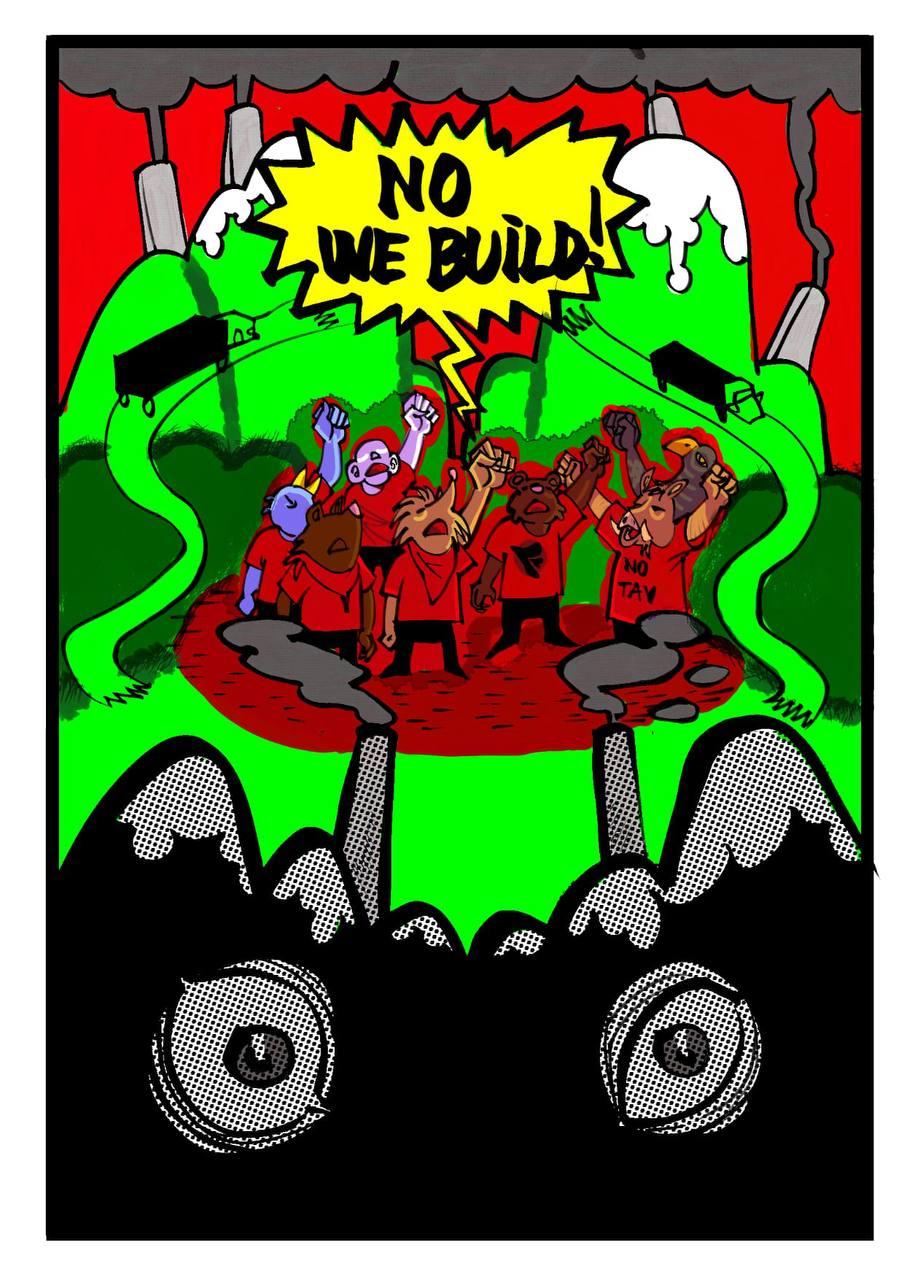
Lo sapevate che i cantieri edilizi in europa sono responsabili della produzione del 40% dei rifiuti?
A chi servono le grandi opere? Chi le realizza e con quali soldi vengono finanziate?
Cosa hanno in comune la tav, il ponte sullo stretto, la pedemontana lombarda, le olimpiadi di Milano-Cortina e il genocidio dell3 palestinesi?
Con il percorso della Rete Lotte Territoriali abbiamo trovato una risposta a queste domande: WeBuild.
Vieni a scoprire come il tardocapitalismo estrae profitto dai territori di tutto il mondo; ora con un genocidio, ora con lo sfruttamento del territorio, ora con la speculazione economica.
Ne parliamo giovedì 12 marzo, alle 19, insieme a @comitato_notav_trento @assembleanoponte @notav.info @nopedemontana @c.i.o.2026 @apepalermo.
come partecipare
Se vuoi partecipare al webinar del 12 marzo ti chiediamo di metterti in contatto con noi mandandoci una mail tramite il pulsante qua sotto. Se è la prima volta che ti metti in contatto con noi mandaci due parole di presentazione, così abbiamo idea più o meno di chi parteciperà all’incontro.
Because Javascript is disabled in your browser, your message cannot be automatically encrypted. You need to encrypt your message manually. Learn how to encrypt and send your message: